Finding Letters in a Busy Scene
Each round presents a word at the top of the screen and a scene filled with letters. Children must locate the letters and tap or click them in the exact sequence that spells the word. The challenge is visual as much as it is linguistic: letters are placed around the screen, so players have to scan carefully rather than rely on a keyboard. This turns spelling practice into a search activity, reinforcing both letter shape recognition and the order of letters within words.
A Timer That Encourages Without Punishing
A timer adds a mild sense of urgency. Completing words faster earns higher scores, which gives children a reason to improve their speed. However, mistakes do not end the round. Players can keep trying until they spell the word correctly, so the focus stays on persistence and accuracy rather than on avoiding failure. This design keeps frustration low while still offering a measurable goal to work toward.
Characters and Interface Built for Young Players
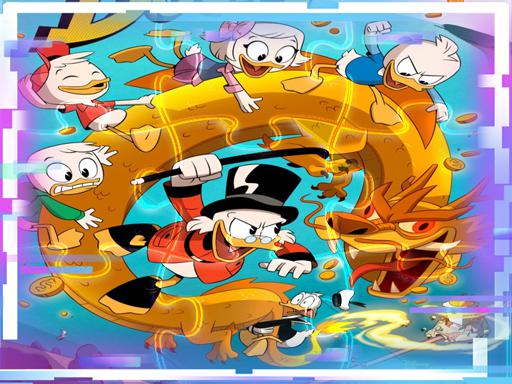
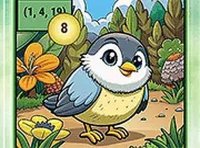
The game uses bright, cheerful graphics and characters from the animated series, which makes it immediately familiar to fans. Large, readable letters and simple controls work on both computers and touchscreens, so children can play independently without adult help. That independence supports confidence and self-directed learning, and the interface avoids small buttons or complex menus that could trip up preschool fingers.
Words, Rounds, and Replay
Multiple rounds introduce different words, so the content stays fresh as spelling skills grow. Players can replay any round to try for a better score, which encourages repeated practice without forcing it. The game also supports turn-taking, letting siblings or friends compare results. That social option adds a playful competitive layer that can motivate children to improve their speed and accuracy over time.



Editorial Notes