Styling Diverse Character Models
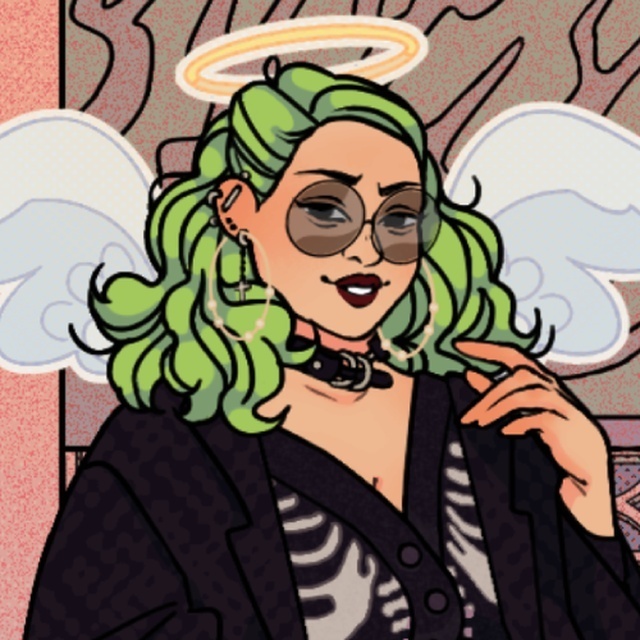
Inclusive Style Studio begins with a character model selection. Instead of a single default figure, the game offers a range of models so players can style looks on different body types. This choice shapes the rest of the session: every clothing item is designed to fit and flatter the selected model, which keeps the focus on self-expression rather than forcing one standard silhouette.
Building Outfits Piece by Piece
After choosing a model, you browse categories such as tops, bottoms, dresses, footwear, and accessories. Each item applies with a click or tap, and the preview updates in real time. You can layer pieces, change colors, and adjust accessories to refine a look. The interface supports quick swapping, so comparing a denim jacket against a soft cotton dress takes seconds rather than menu digging.
From Casual to Statement Looks
The wardrobe spans relaxed everyday wear and bolder statement outfits. Color and pattern options let you push a simple outfit into unexpected territory, while accessories like hats, bags, and jewelry add personality. There are no timers or pressure mechanics, so you can experiment freely and save favorite looks to revisit later.
Controls and Platform Notes
On a computer, the left mouse button selects and applies items. On mobile, tapping the screen performs the same actions. The game runs on both PC and mobile, and the interface is built for easy navigation across both. Once an outfit is complete, you can save or share it.



Editorial Notes